Managing Projects and their risks
QuartzIQ simplifies the management of project risks by allowing you to create and document risks directly within each project. This capability provides a centralized view of all potential risks, enabling proactive risk identification, tracking, and mitigation throughout the project's lifecycle.
With QuartzIQ, easily link specific risks to your projects and maintain comprehensive oversight by continuously monitoring their status and associated controls. By systematically documenting and managing risks, you ensure enhanced visibility, informed decision-making, and improved project outcomes
You must have the iq-projectmanagement application role in order to manage projects.
Documenting Project
As stated above, QuartzIQ also allows you to document and manage projects directly in the platform.
In order create Projects, click on the Create button in the top bar and select Project.
This should open a stepper with all required information to create a Project, such as the name, the people in the organization or even the Parent Perimeter (you can decide to create the project in a specific perimeter). Please note that you can also add an external contact such as the project manager once the Project has been created.
Once it is created, you should be redirected to its details page which will show all its information including the members (owner, delegates, data managers, performers), the risks linked to it.
You can manage all these aspects in the same way as Perimeter. Please refer to the specific articles.
You can now also add a contact to the third party by clicking ... > Edit Contacts.
Linking Risks to Projects
As stated before, you can manage different aspects of the project including its risks.
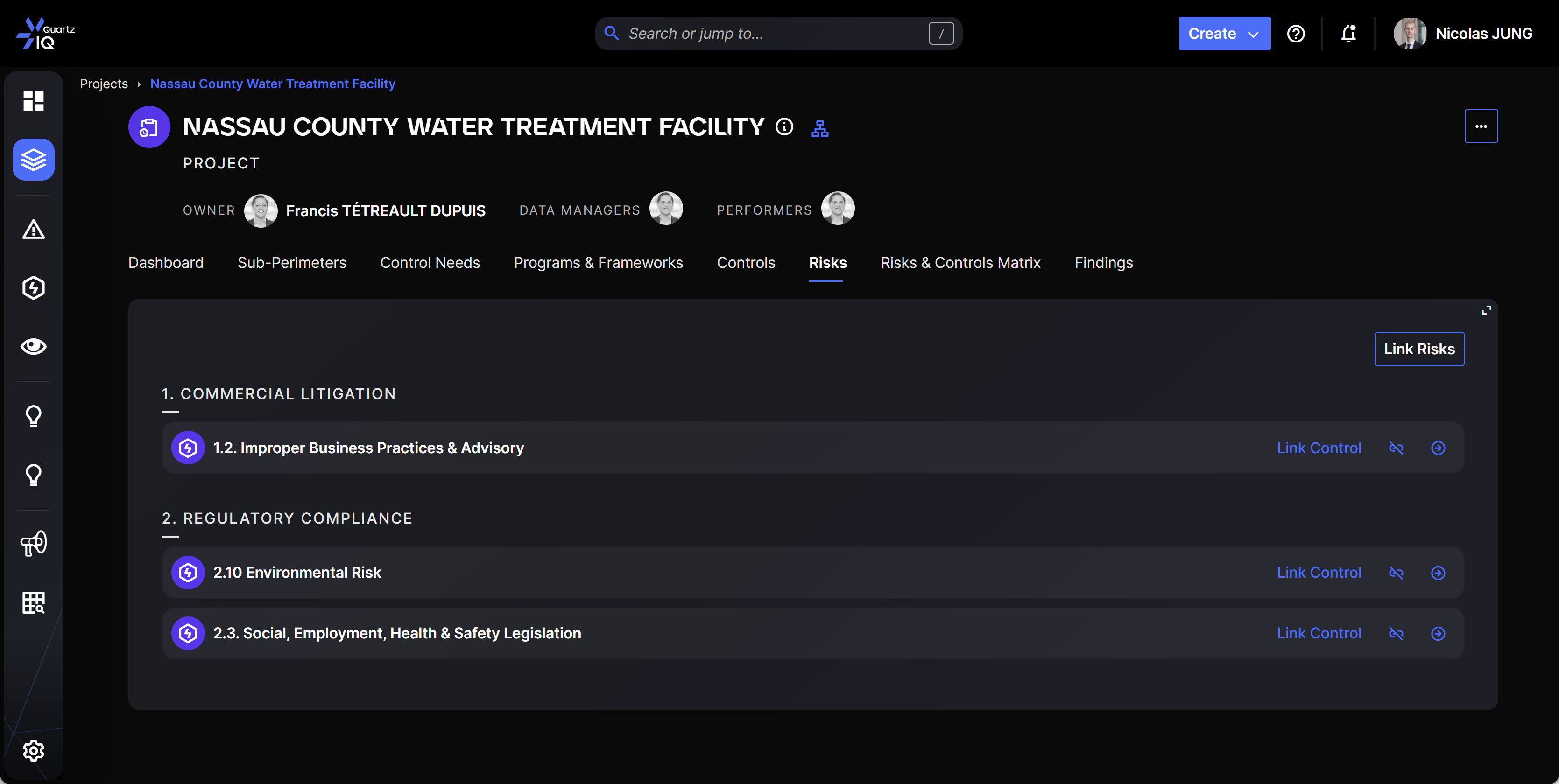
In the project details page, you can go to the Risks tab. This will present all Risks associated with this project.
In this tab you'll be able to add new risks with the link risks button and unlink risks.
While you can link risks to third parties, you cannot perform RCSA risk assessments on these projects.